
Support centre
IPTV USA FAQ: Frequently Asked Questions
Everything you need to know about subscriptions, devices, streaming and support.
How do I order a SmartexIPTV subscription?
Choose your subscription duration and device count on the pricing page, then request your payment invoice through WhatsApp or email.
What channels are available?
Explore the live TV, sports and entertainment categories on our channel list. Availability may vary.
Which devices can I use?
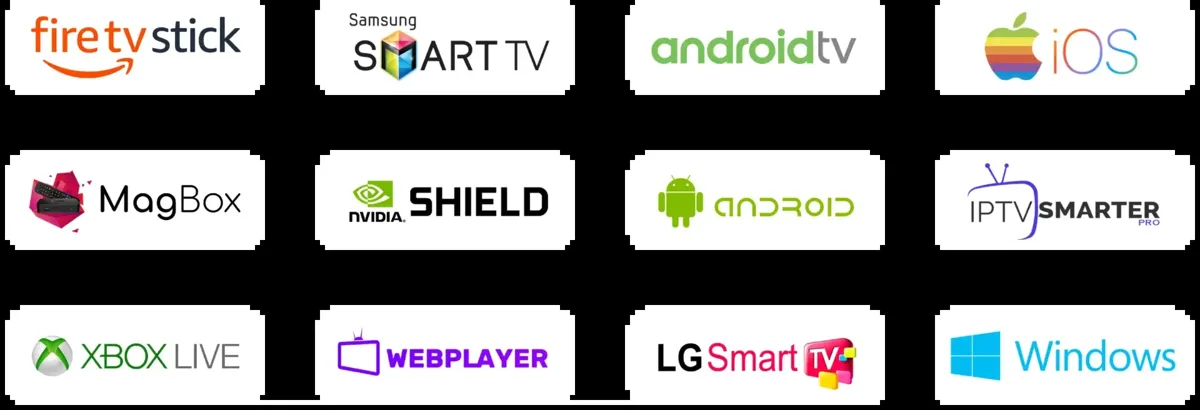
You can use a compatible IPTV player on popular devices, including Firestick, supported smart TVs, Android TV and phones. Check our setup guides.
Can I watch on multiple devices?
Yes. Choose a subscription for 1, 2, 3 or 4 simultaneous connections on the pricing page.
When do I receive my activation details?
After payment confirmation, your subscription details are provided through your selected contact method. Contact support if you need help.
What if I have a playback or buffering issue?
Start by checking your internet connection, restarting the streaming device and updating your player. Our support team can help you troubleshoot.
Is there a programme guide?
An electronic programme guide (EPG) is available on supported channels and compatible players.
How can I contact support?
Use our contact page to send a message, chat on WhatsApp or email our team.
What is the refund policy?
Please review our refund policy for its conditions and terms.
Can I become an IPTV reseller?
Yes. Explore the IPTV reseller programme and contact us about reseller credits.
IPTV USA FAQ: Plans, Channels and Setup
This IPTV USA FAQ explains how to select a subscription, prepare your device, find live-channel groups and contact support. The questions above cover common ordering and activation topics; the sections below provide additional context for viewers who are new to streaming players.
How Do Subscription Durations and Device Counts Work?
On the pricing page, choose from the available subscription durations and select one, two, three or four simultaneous connections. The total price shown at checkout is what you pay for the selected package. Any per-month or per-device amount is provided for comparison and does not necessarily mean monthly billing.
Where Can I Find a Specific TV Channel?
Use the searchable IPTV channel directory to browse network names, regions and sports groups. Some entries have similar names because they represent different regional or picture-quality feeds. For help finding a particular channel or event, contact the support team with its name and country.
Which Devices and Apps Should I Use?
Start with the device you already own. Firestick, Roku, Android TV, smart TVs and mobile devices support different applications and sign-in methods. Verify that the chosen player supports your device and supplied subscription format. Read the Firestick instructions or the broader installation guides before ordering.
How to Troubleshoot Common Playback Problems
If the app cannot load a channel, first check your internet connection and whether the issue affects one channel or several. Restart the player, install official updates and check its channel-group settings. An EPG might need refreshing separately from the playlist itself.
For general information about streaming bandwidth, consult the FCC broadband speed guide. Network performance depends on the source, connection, player and hardware.
Where Can I Ask About Billing, Renewals or an Existing Order?
Use the contact form, WhatsApp or email for account assistance. The Renewal button opens WhatsApp, while new customers can compare options on the buy IPTV USA page. Before paying, read the service terms and refund information. Never send passwords or complete card numbers in a support message.
Still have a question?
Our team can help you choose a plan or resolve a technical issue.